
1 Reply
Want to contribute to this discussion?
 Sign In
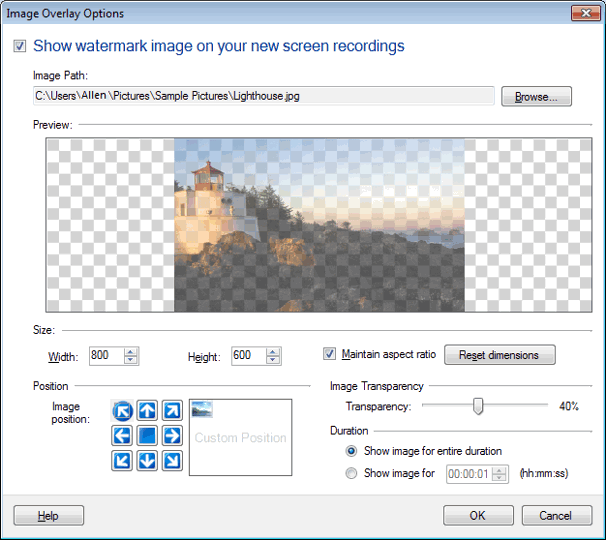 Select your image using the Browse button. Choose the 'Show image for' option under Duration section and enter time. You can also adjust size, position and image transparency.
Select your image using the Browse button. Choose the 'Show image for' option under Duration section and enter time. You can also adjust size, position and image transparency.
Select your image using the Browse button. Choose the 'Show image for' option under Duration section and enter time. You can also adjust size, position and image transparency.
 ▾
▾
