Screen Cast provides an option to set a password to prevent anyone from viewing your mobile device screen on their browser.
To set the password, open Screen Cast and go to Settings. Select the
Require password for viewing Screen Cast option. Then press the back button on your device, you will see the home screen. Click
Start Broadcasting to see the ID and password for establishing a connection with your browser.
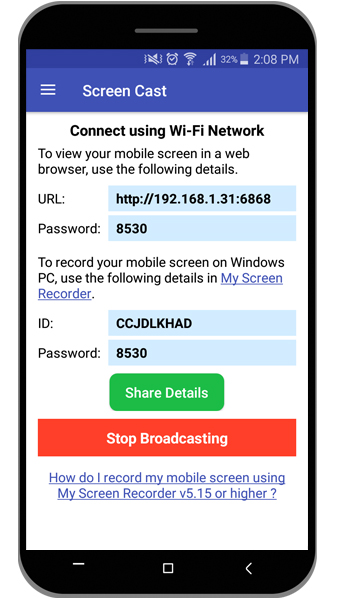
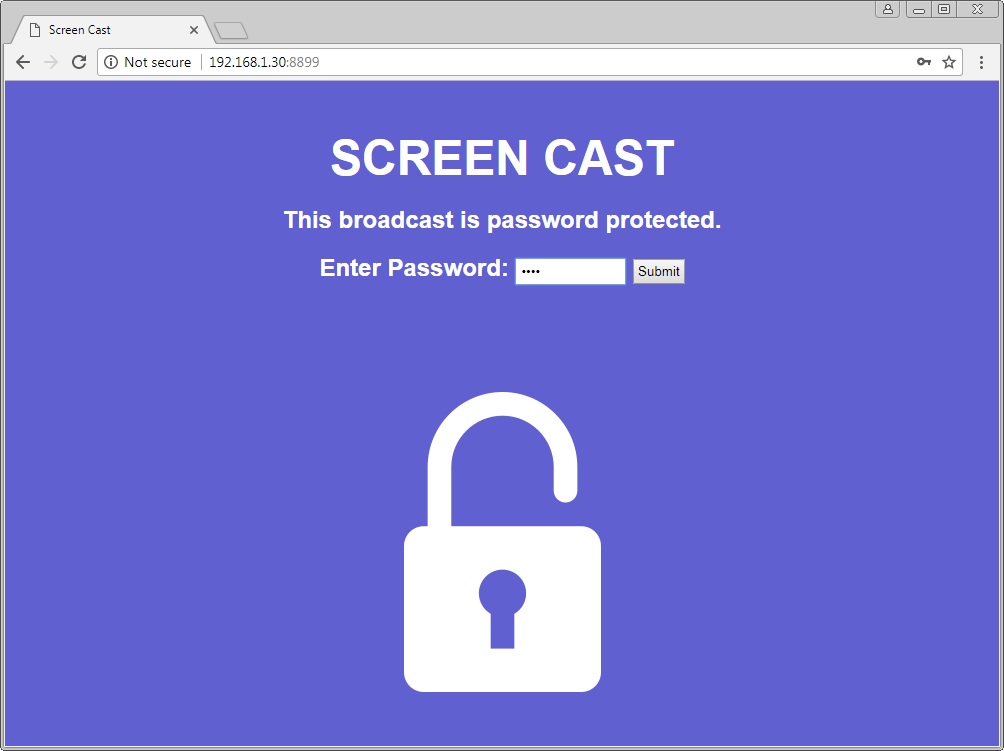
Next, open your browser and enter the URL from the Screen Cast app. Enter the password and click the Submit button. You will be able to see your mobile screen on your browser.

 Sign In

 ▾
▾
