
1 Reply
Want to contribute to this discussion?
 Sign In
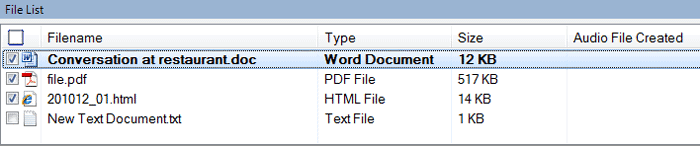 Select the files which you would like to convert to audio from the File list. Go to the 'Speak' menu and select the Convert Selected Files to Audio option. Adjust the audio properties and click on the OK button to start the conversion. This way all the selected files will be converted to audio format.
 ▾
▾
